
Available today
Start with every RSVP.
Ask the questions that matter at signup. Every answer stays with the member.

truloop helps clubs and communities run official events, learn what members want, and make more member-led plans happen, all inside the community they already share.
Study sessions, food runs, and casual meetups often get lost in group chats. Give member-led plans a place in your club, without leaving every event to the e-board.
Group chats are where people talk. truloop is where plans live inside the community.
Ask, plan, invite, and learn. Use each event’s responses to shape the next one.
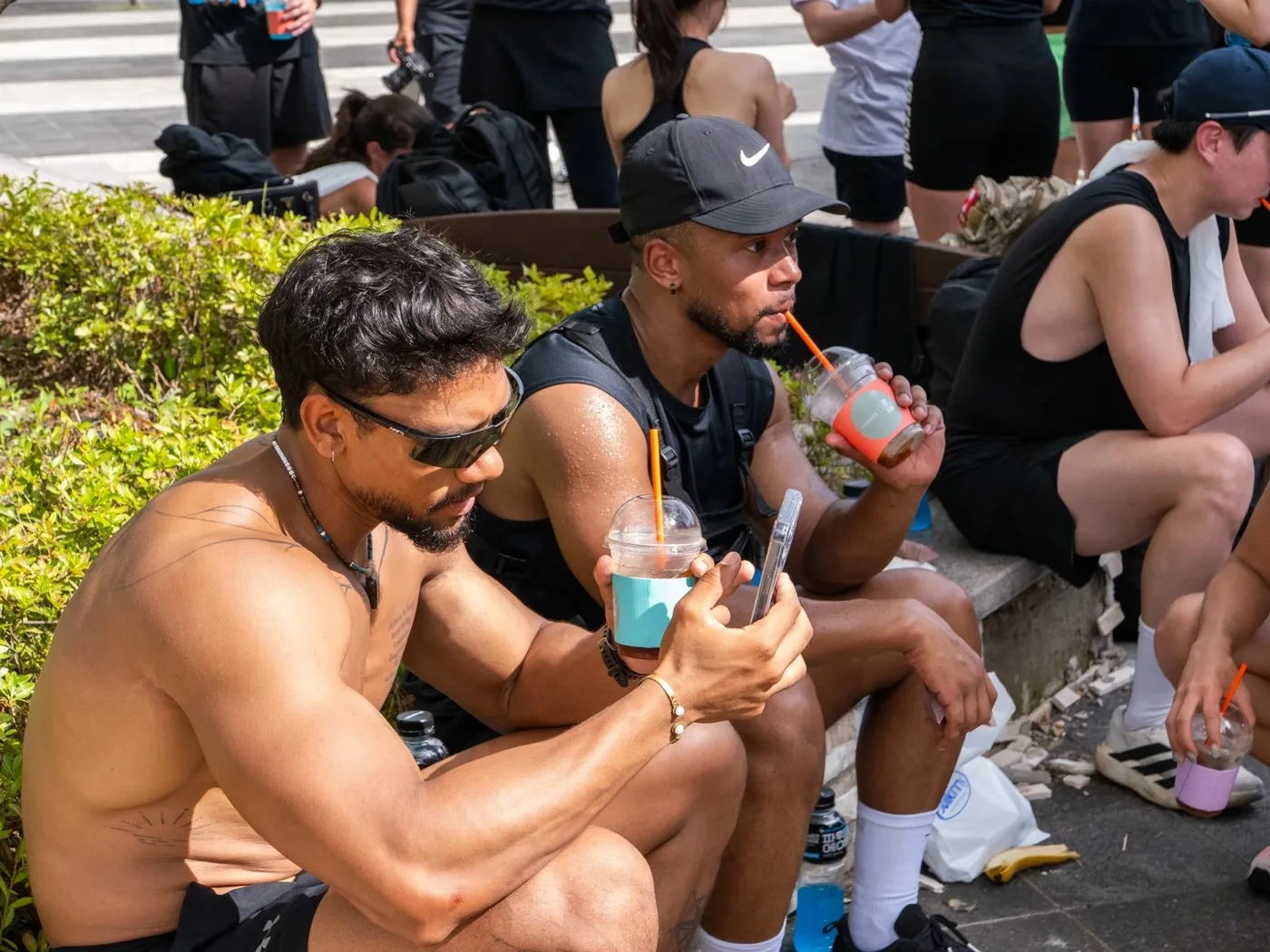
RUN N'ICE · July 19 · Hanam · 103 participants
Add useful questions when members RSVP.
See what members respond to and use it to shape what happens next.
Build the next plan with more context.
Events, signups, dues, and photos, all connected to the club.
Your club’s name, events, and members behind one link.






Answers stay with the event and the member.
Only completed payments join the guest list.
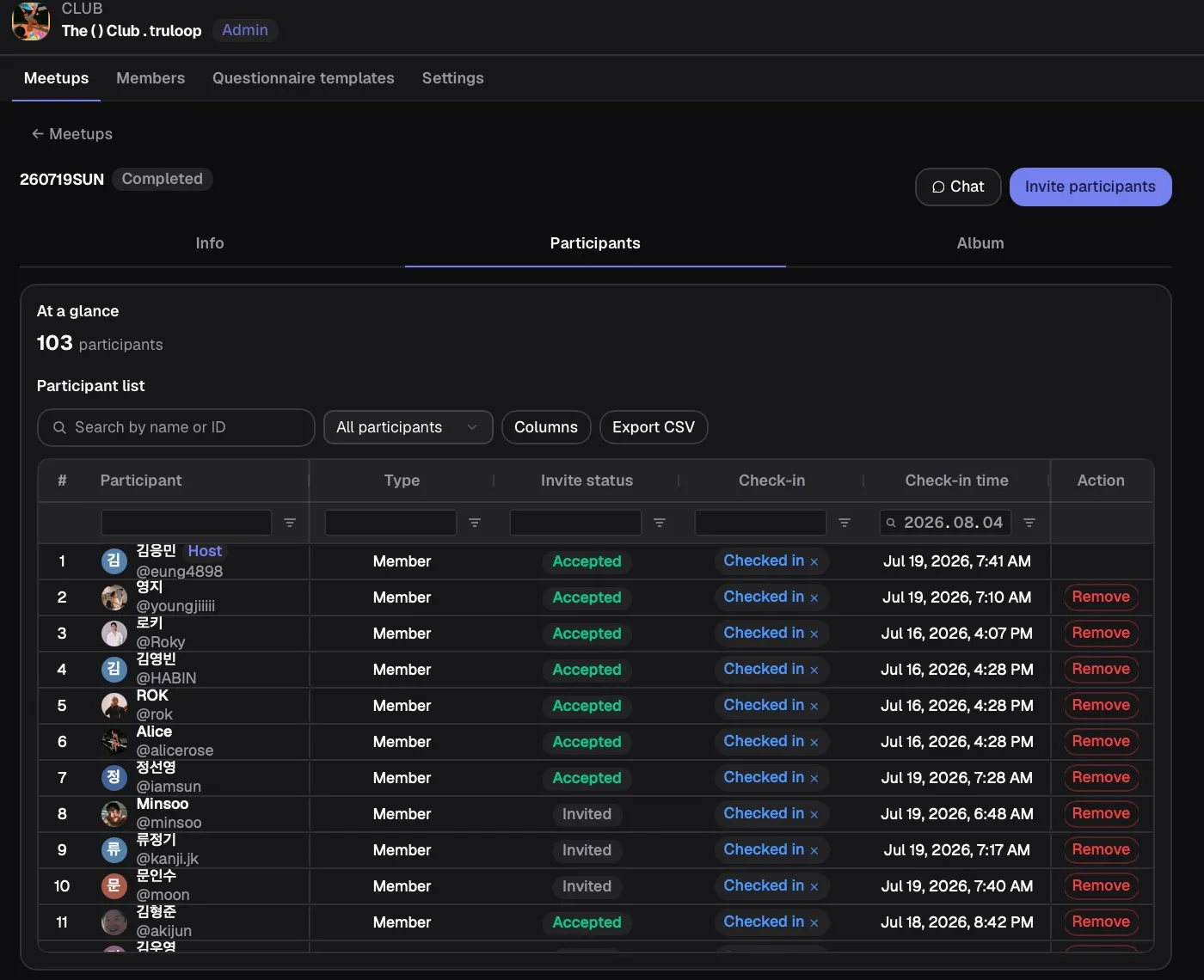
Search, tap, or scan from one live list.
Every answer and visit stays with the person.

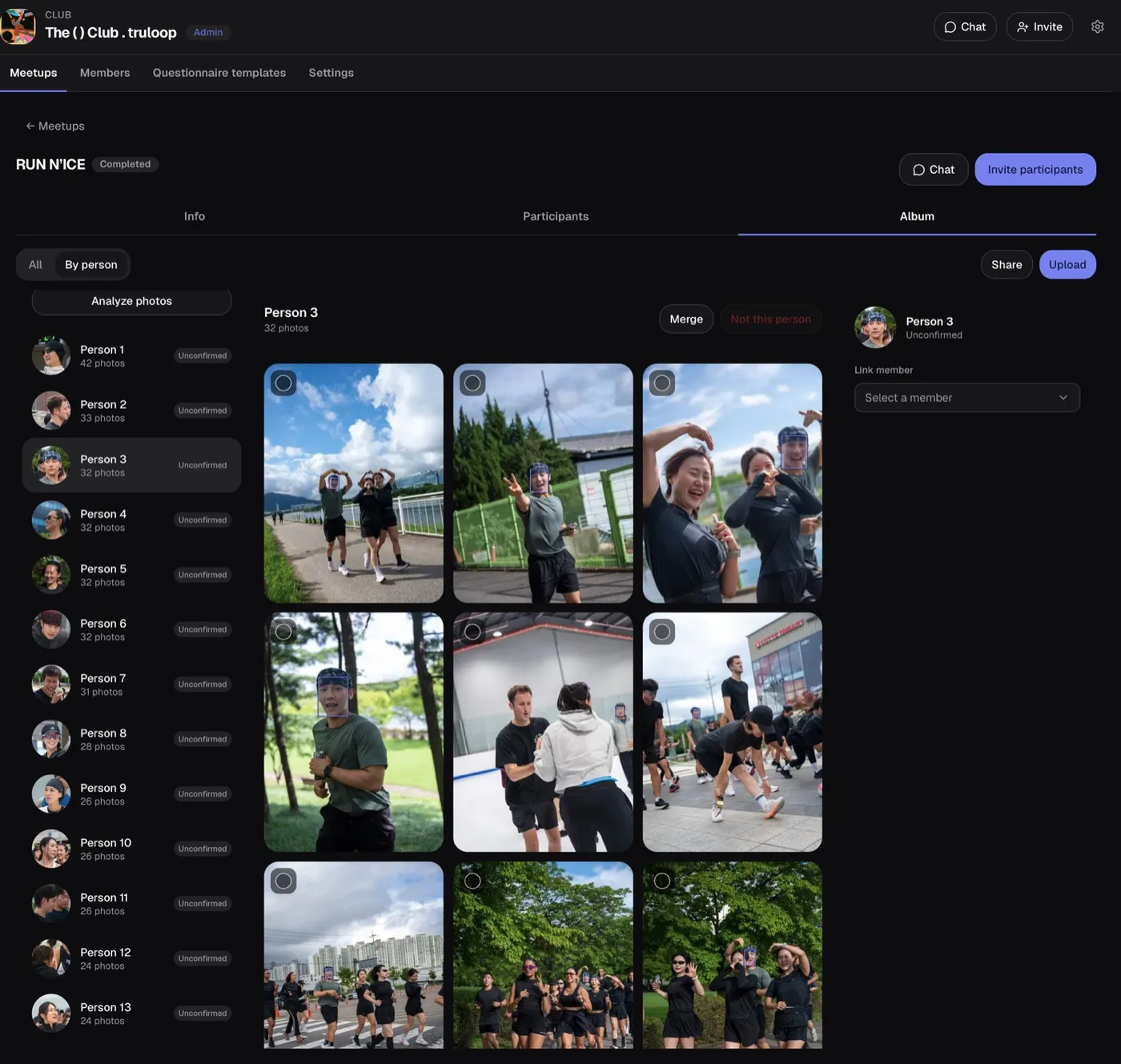
Consent-based face grouping. No endless scroll.
42 31
31 27+9
27+9Club events land in each member’s own feed, next to everything else.
Three members, one July
Mina ParkProduct designer
RUN N'ICE7.19Our club Design review lunch6.28
 Gallery night7.28
 Dinner with friends8.09
Marcus ReedRestaurant owner & dad
 Sunday family lunch6.29RUN N'ICE7.19Our club
 Maya turns seven8.02Weekend gallery visit8.16
Alex RiveraRetired teacher
 Thursday foursome7.12Neighborhood dinner8.07RUN N'ICE7.19Our clubSunday lunch8.23
Official events set the rhythm. Member plans keep the community moving between them.
Kickoffs, panels, workshops, retreats, and socials led by the organization.
Study sessions, food runs, hikes, pickleball, dinners, and other casual plans supported with selected member hosts.
Leader-approved events that independent campus communities can choose to open to one another.

Create an event page, invite members by link or QR, collect signups, add event-specific questions, and review answers with the event.
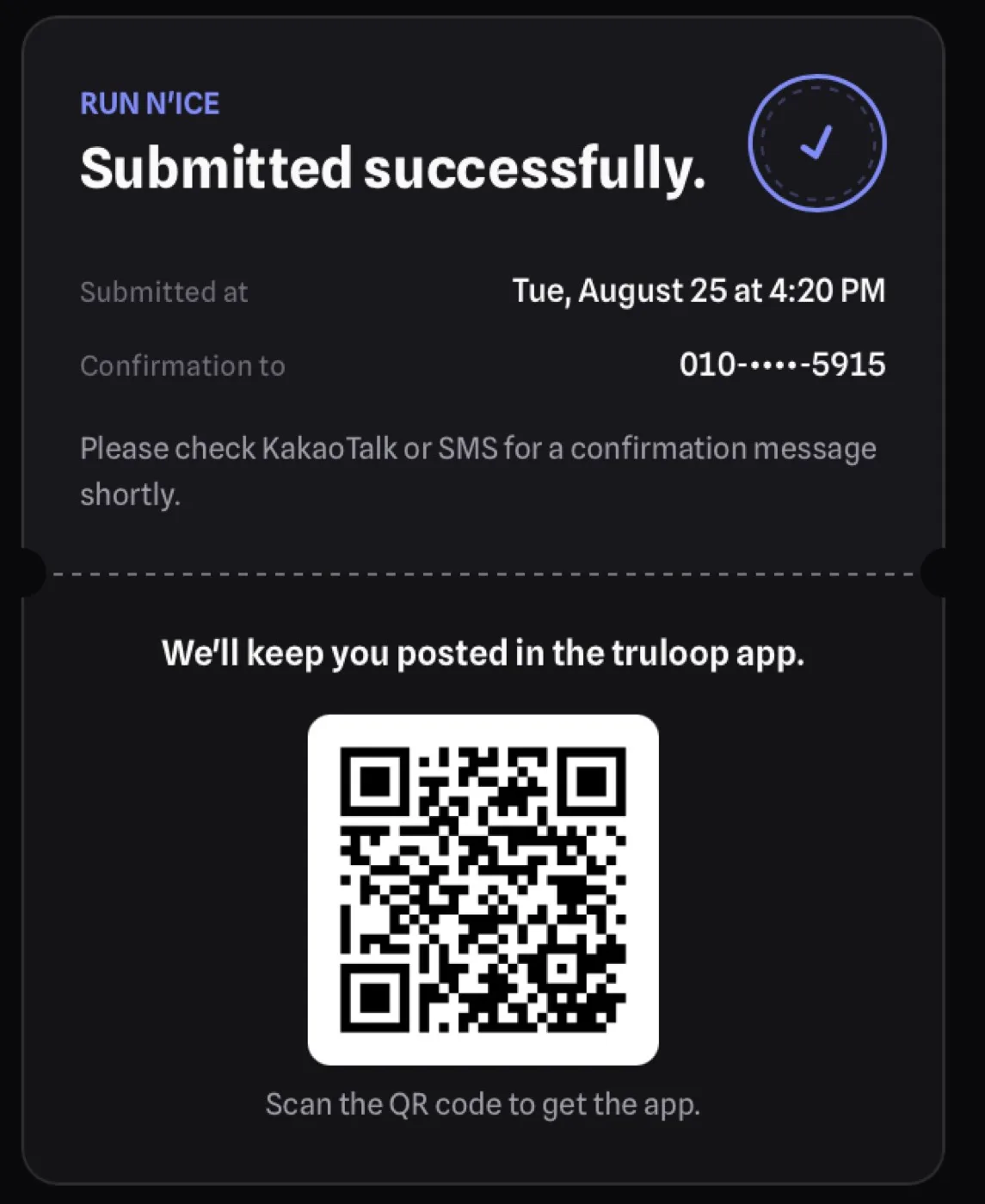
Make it easy to open and complete an event signup.
Collect the information that helps the club run the event.
Use what members told you to shape what happens next.
Chats, forms, and ticket sites each handle one piece. truloop keeps the whole club together, event after event.
| What your club does | truloop ClubsBuilt for the whole club | Group chatBuilt for talking | Form + sheetBuilt for collecting answers | Ticket siteBuilt for selling one event |
|---|---|---|---|---|
| Ask your own questions at RSVP | Built in. Part of every RSVP | Not really. Replies get lost | Built in. A new form each time | With workarounds. Limited fields |
| Sell tickets and check people in | Built in. Stripe + check-in | Not really. Venmo by hand | With workarounds. Separate payment link | Built in. Built in |
| Every event on one club page | Built in. Club home | With workarounds. Buried in the scroll | Not really. One link per form | With workarounds. Event by event |
| Answers stay with each member | Built in. Member history | Not really. Memory only | With workarounds. Merge spreadsheets | With workarounds. Per-event lists |
| Photos from every event, together | Built in. Shared albums | With workarounds. Compressed, scattered | Not really. | Not really. |
| Members start their own plans | Built in. Member hosts (pilot) | With workarounds. Ideas get buried | Not really. | Not really. Organizers only |
| Survives e‑board turnover | Built in. The club owns it | With workarounds. Tied to whoever made it | With workarounds. Hand off the files | With workarounds. Hand off the login |
| Built in | 7 / 7 | 0 / 7 | 1 / 7 | 1 / 7 |
A roster tells you who joined. truloop shows you what keeps them coming.
Ask the questions that matter at signup. Every answer stays with the member.
Pick a few member hosts. truloop helps their casual plans actually happen.
Attendance, no-shows, and the members ready to host next.
truloop is an app for clubs and communities to run their events. Create an event page, collect RSVPs with your own questions, sell tickets, check people in, and keep every event’s photos in one club home, on iOS, Android, and the web.
No. Share one link on Instagram, in a group chat, or as a QR code, and members can sign up on the web without installing the app.
Connect a payment account for your club, then set ticket tiers with a price and capacity. Only completed payments join the guest list, so there are no transfers to match by hand.
Photos and videos from each event land in one shared album. Face grouping works only for people who consent, and it lets members find the photos they are in.
Member-led plans are in a founding pilot. Club leaders pick a few member hosts, and truloop helps their casual plans actually happen.
Run one event with your club, learn from member responses, and decide what comes next.